How To Reset a Keyless Entry Door Lock?
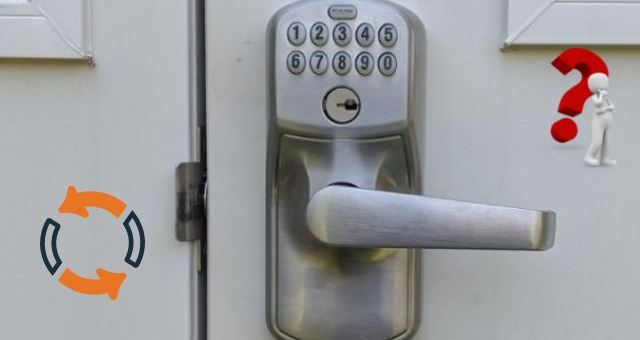
If you want to reset a keyless entry door lock by yourself, we recommend you to follow these steps.
Tools
- Screwdriver
- Tweezers
- Trip wire
- Hex keys
- Plastic shims
Time: 20 minutes
Step 1: Follow the manufacturer’s instructions to remove the lock from your door. Most electronic locks include two screws on the inside of the door that must be removed.
Step 02: Flip the lock up so the keypad is facing down. Look behind the back cover for the screws that keep it in place. Remove the two screws that you find. Probably one is at the top and other at bottom. Remove the screws with a screwdriver by inserting it into each screw hole and turning it counter clockwise.
Step 03: Carefully remove the back plate of your lock and set it aside in this step. If you look closely at each hole in the lock, you’ll notice that some are blue and others are red. Always keep in mind that the red holes correspond to the current code.
Step 04: Now take your tweezers and place one in each red hole. Remove the metal chips.
Step 05: Select new code of your choice and remove the lock’s blue chips to set. As you remove each blue chip one by one, replace it with a red one. When we are inserting the chip, we should notice that square cut side is at the outer part of the door lock.
Step 06: If any holes remain unfilled, fill them with blue chips. Also, look through the holes to determine if your new combination has red chips in each of the numbered holes.
Step 07: Replace the rear cover on the device and use the screwdriver to enter all of the screws.
Step 08: Flip your lock over so that keypad is facing you. Type your new code after pressing clear button. As soon as you enter the code, your smart door lock will unlock.
https://beonhome.com/