How to Change the Schlage Encode Lock (Models BE468 and BE469).
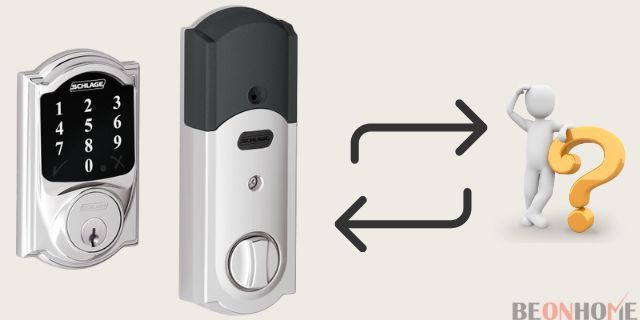
BE468 and BE469 are the model numbers for Schlage Connect locks. Remove the rear of the lock and look for the white label if you’re not sure if it’s a Schlage Connect.
Simply remove the top and centre screws on the backside of the lock to do so. The top screw is seen after the battery cover will removed, and the middle screw is exposed.
You’ll also need the lock’s default codes, which came with it. Those codes can also be found on the white label inside the lock, so take note of them.
Set the Schlage BE468/BE469 Smart Locks to their default settings.
- Remove the battery cover by sliding it off.
- Remove the battery terminal from the circuit.
- Long press the Schlage button.
- Hold the Schlage button, and reconnect the battery terminal.
- Flash three times, on the green check of Schlage button
https://beonhome.com/